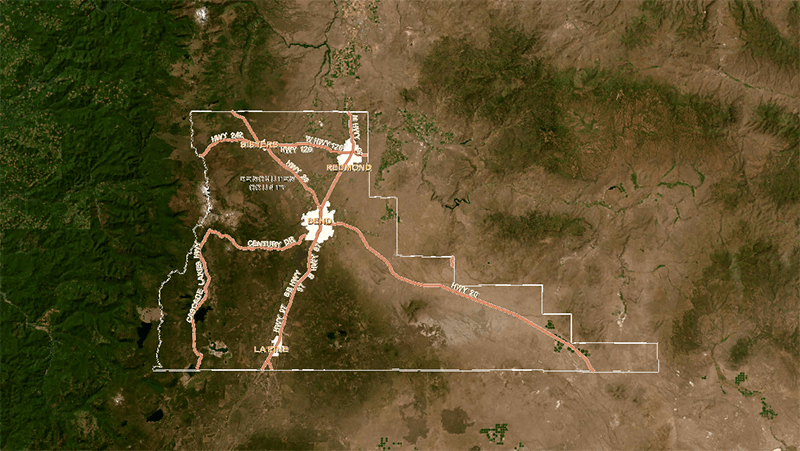
School District Boundary Map Tool
Sisters School District’s boundary map tool lets families enter an address to see which school their child is zoned for, making district lines clear and easy to understand.
School District Boundary Map Tool
Use the following online tool to verify your student’s school district:
To use this tool, follow these steps:
- In the upper right-hand corner under “Find a place,” enter your student’s residential address (street and city).
- In the upper left-hand corner, click “Add Layers.”
- In the popup window, select “School Attendance Area.” (Note: For the Sisters School District, all three schools will show the same attendance boundary)
If your student lives outside the Sisters School District and wishes to attend our schools, or if your student lives within the Sisters School District and wishes to attend a school outside our district, please follow the instructions on this page:
For Mobile
Note: this is not necessarily aligned with the latest map at this point in time but a snapshot of the map as of 12 August 2025.